Thank you!

How to make tricky stop motion videos – activities for kids in 4 easy steps
Since we suspended any plans of organizing workshops for a while, we decided to start a series of tutorials that help making creative/funny animations at home.
Spending a lot of time at home, we feel the need of new indoor activities after only a couple of days. I tried this last week with my 4 years old, and he had never done so much physical exercise in the flat before: running to the camera, taking a picture, running to the toys, squatting, arranging, running to the camera… about almost 100 times! (he didn’t seem exhausted though, unlike me some time ago, when I had to do the same thing for a project…)
We usually recommend our workshops for the 6+ age group, but it is a great activity for kids to do together or with the help of a parent (children and parent pairs are often seen on our offline workshops as well). For the smaller ones, stop motion animation is an interesting game to play, while for the bigger it can also be a good way to express their creativity…
Here are some tricks that you can do easily, following the instructions presented below:
So let’s see what we need:
- Objects that we animate (toys, LEGOs, household items or even kids can photograph themselves – practically anything can be transformed into a tricky animation)
- An idea or a short story: if you don’t have one, you can follow the steps presented here and you can personalize these ideas
- A source of light that will be constant during the process (sunshine is fine too, just make sure it’s not gonna get dark until you finish)
- A smartphone and a stop motion animation software (for ex. the free Stop motion studio) – you can also use a photo camera, but without the app you will need a stand as well. In this case you need to download the pics and compose an animation with a different software (ex. the free Movie maker). We will present the telephone version, the most simple way of making animations quick and easy.
- Patience 🙂 If you take 40 pictures, you will have approx. 5 seconds of animation (depending on the frame rate – number of pictures/sec – you use). But don’t get discouraged, you can tell awesome things in 5 seconds (and the result will be worth the effort)!
If everything is ready, let’s get started!
Step 1
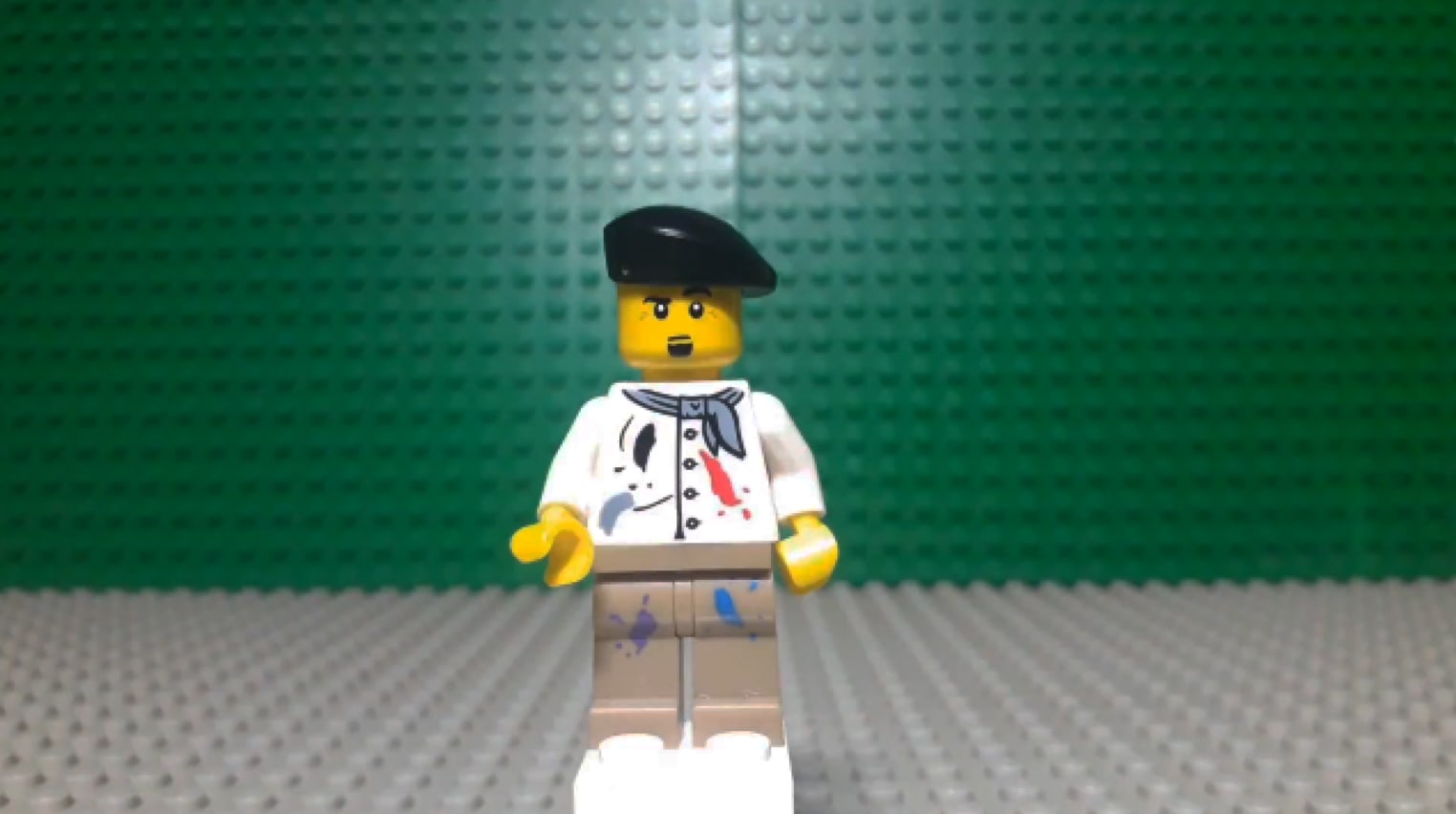
Make a beginning composition for the elements.
Step 2
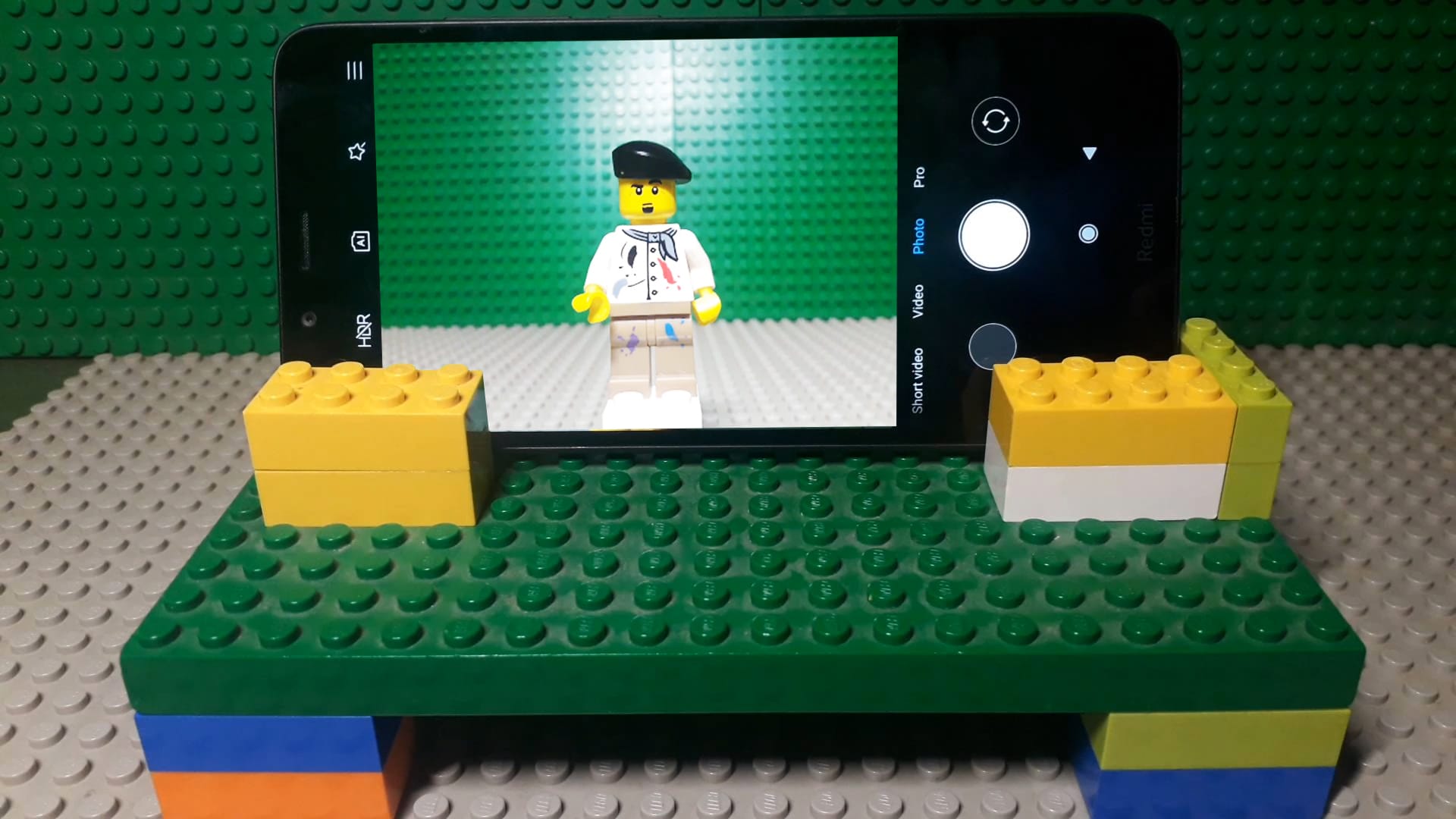
Place the camera and fix it, then check the composition. You can make a creative stand for the phone.
Step 3
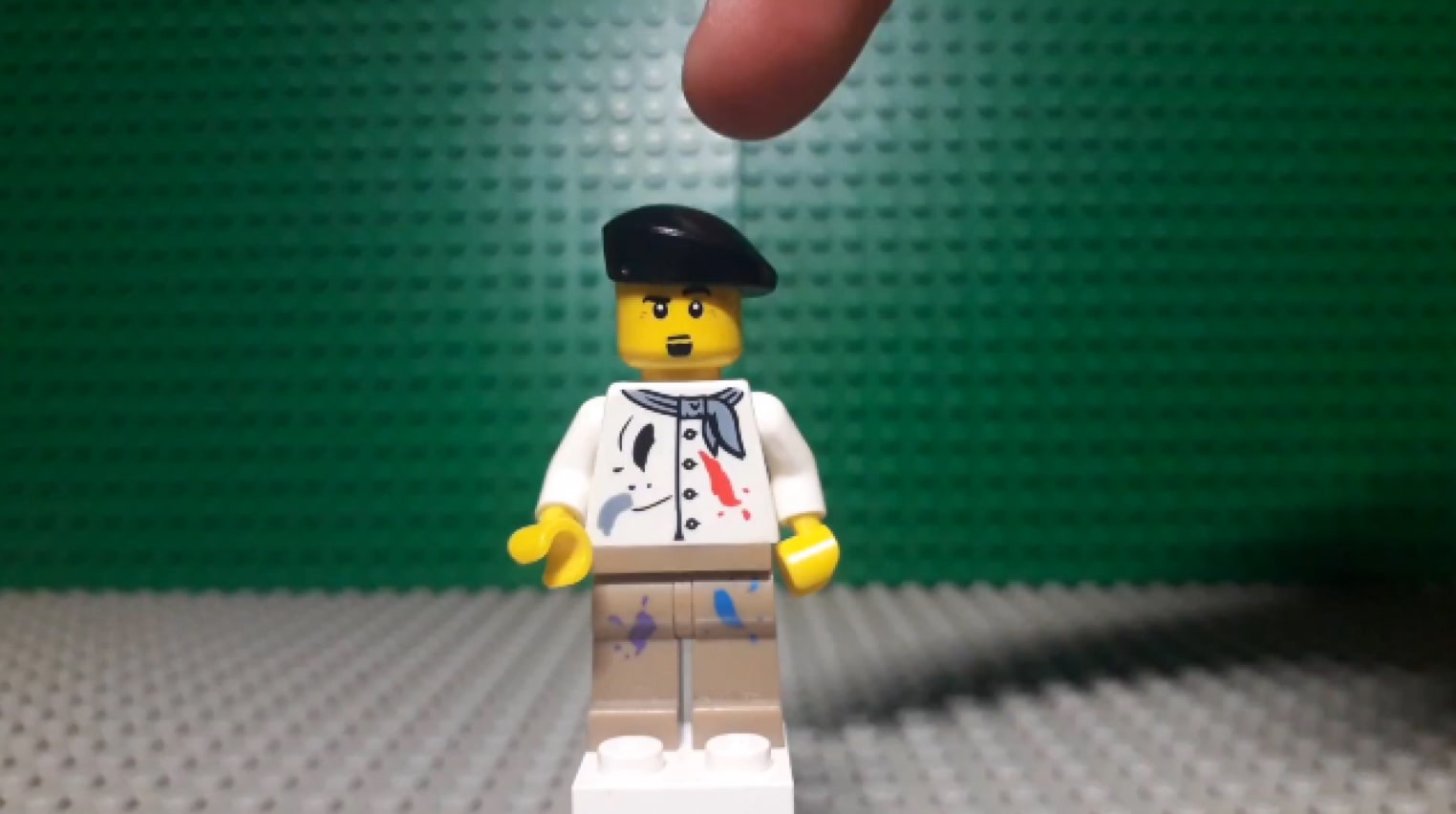
Take a photo. Then move the elements. The distance should be small, keep in mind that there should be minimum 8 frames in a second.
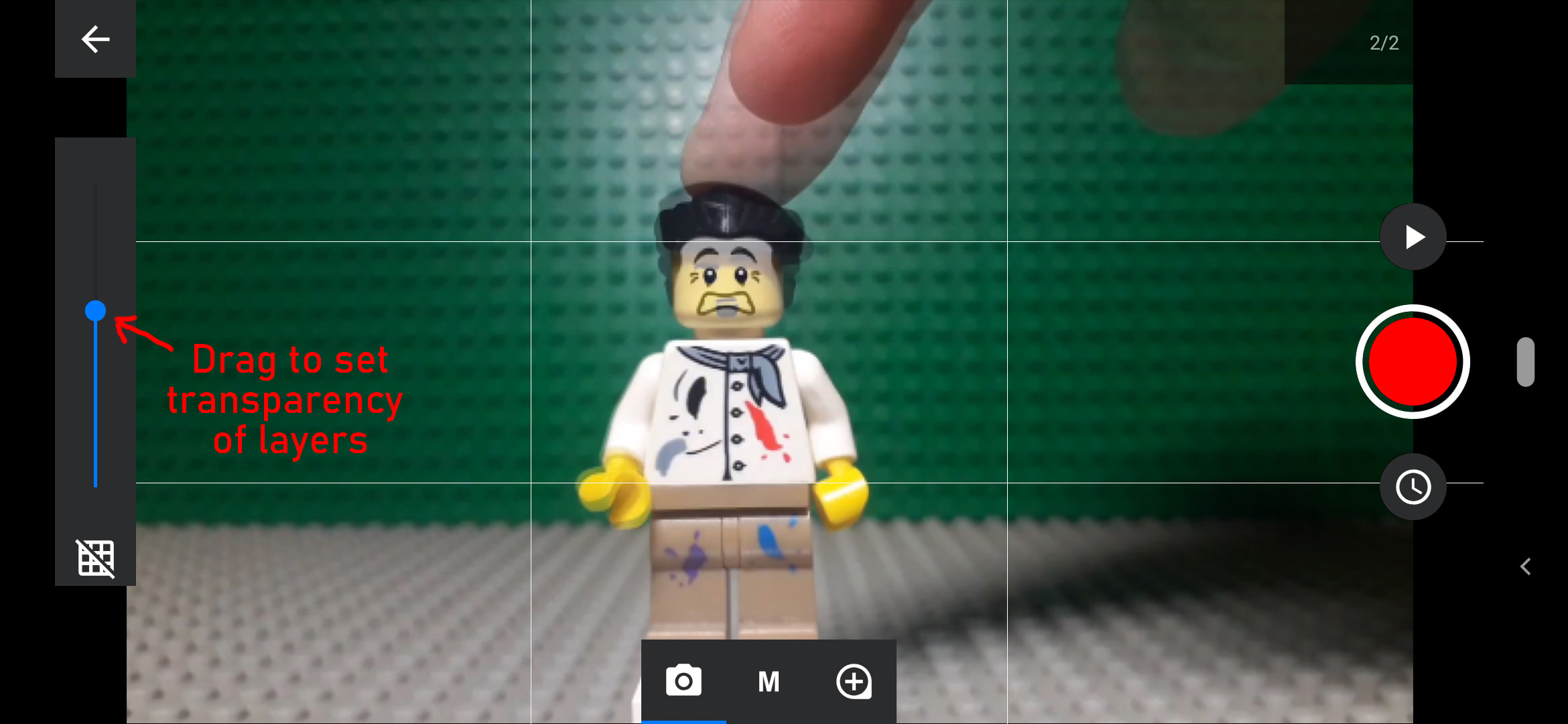
A great advantage of Stop motion studio is the option that shows you the transparent previous picture (called onion layer), so you can always place the following picture in the right place.
Take a photo. Move again. Repeat this until you finish your story.
Step 4
When you are done, you can watch and save your movie, and you can also send it to us (via mail at info@beanbaganimation.eu, or in the comment section on our Facebook page). 🙂

Have a great time and get back, because we will post more tutorial videos during the next weeks!
See explainer videos here:
Newsletter
If you want to read posts like this in the future, subscribe to our newsletter to get noticed about our activities!
